How to Move to Next Equipment Hot Hold Temperature Checks
Table of Contents
How to Move to Next Equipment Hot Hold Temperature Checks
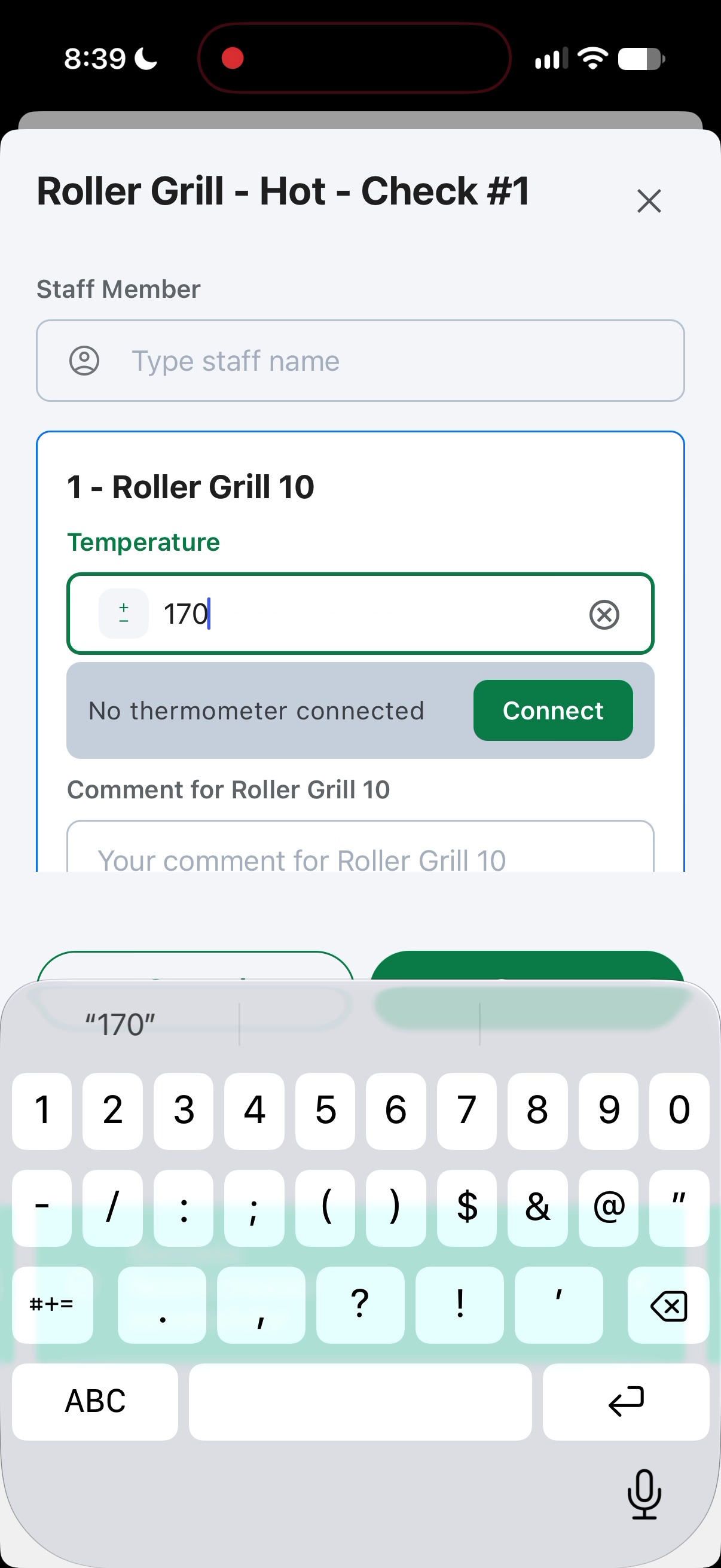
1. Fill in the temperature check in the initial hot hold
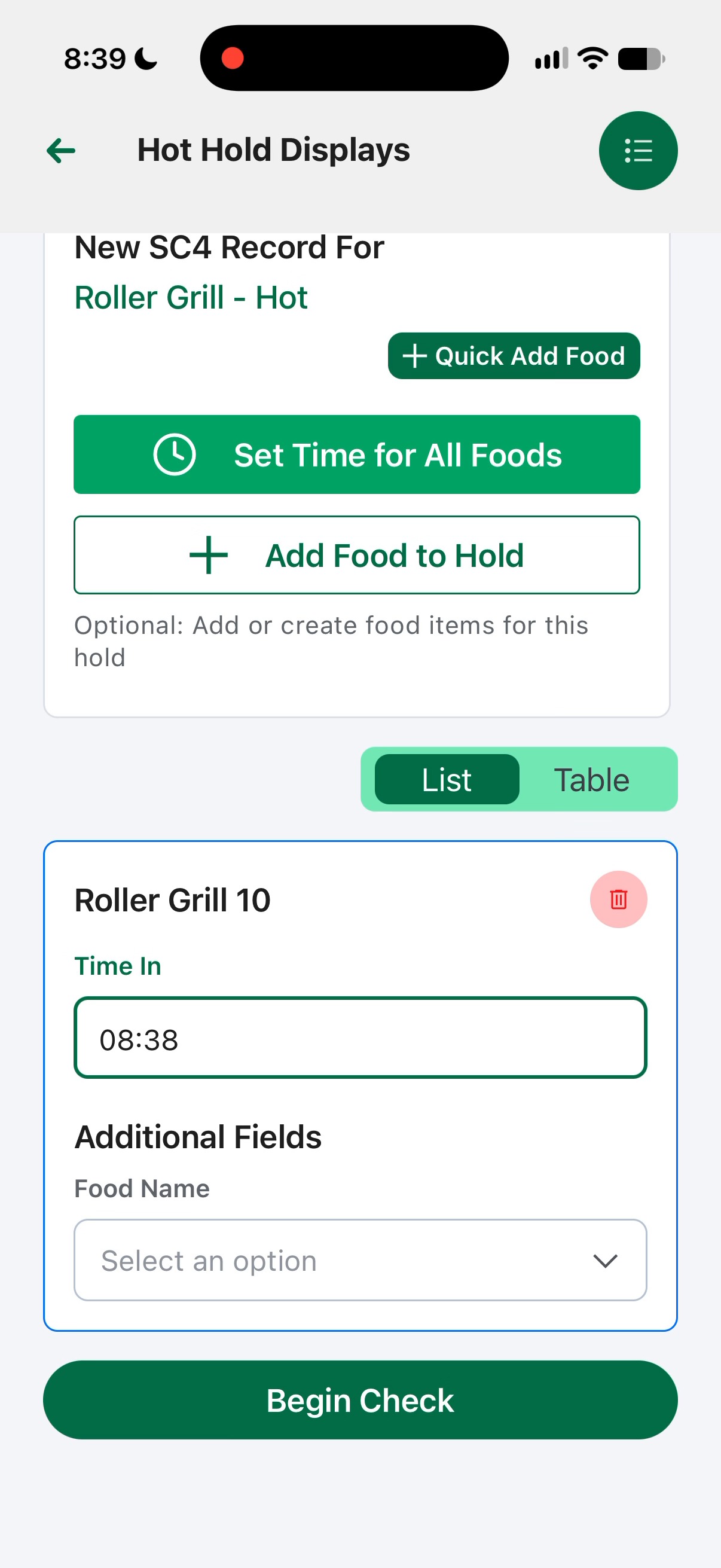
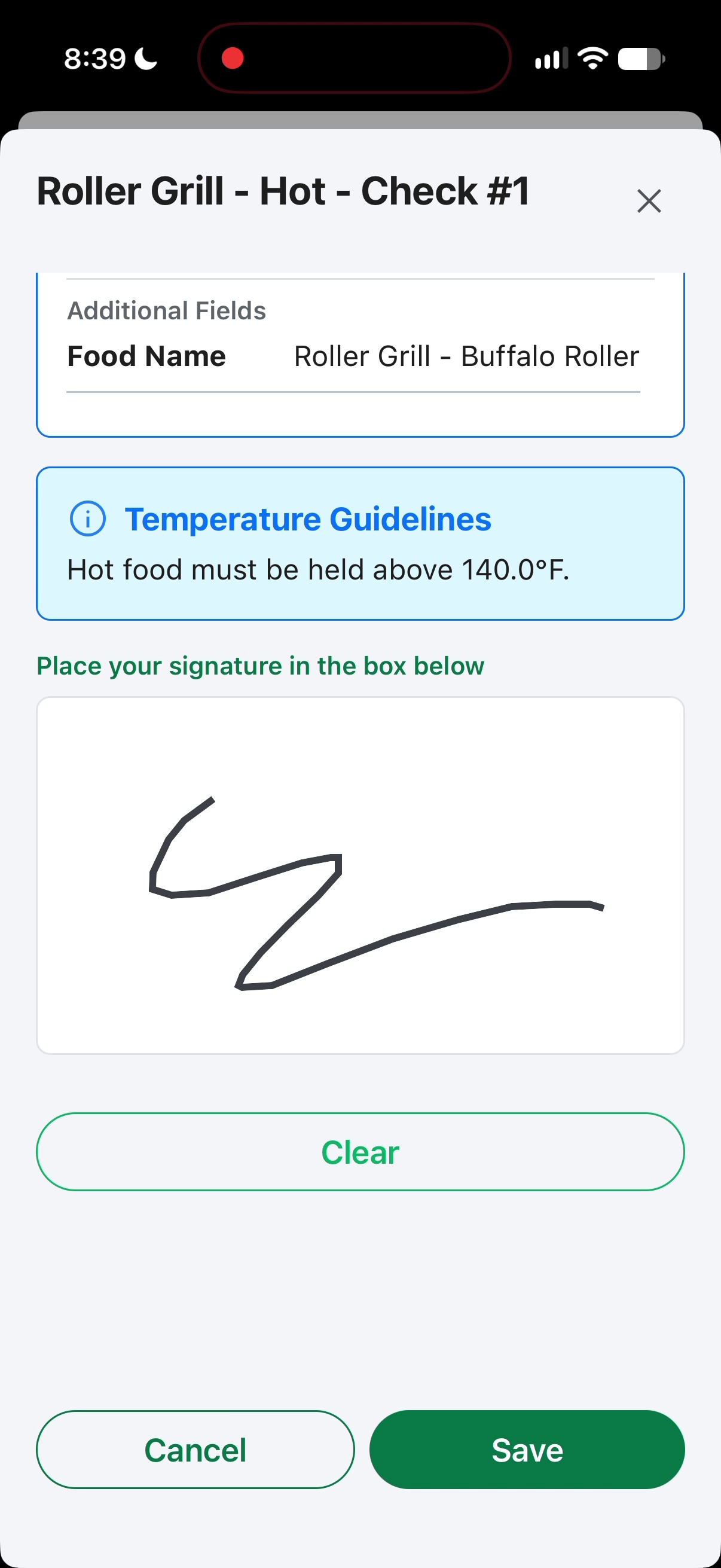
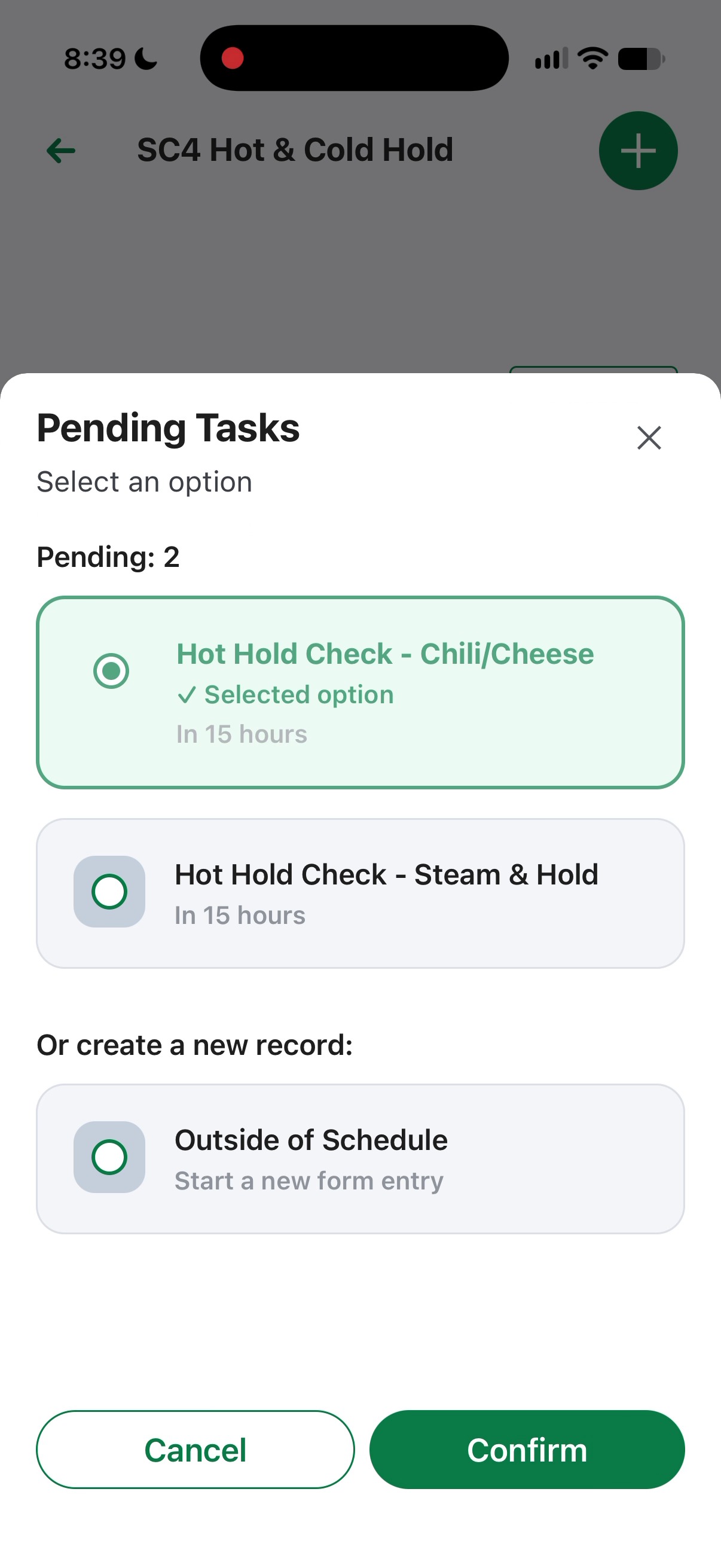
2. After submission, click the Add (+) button at the top right. This opens the Pending Tasks dialog to start another hold check.
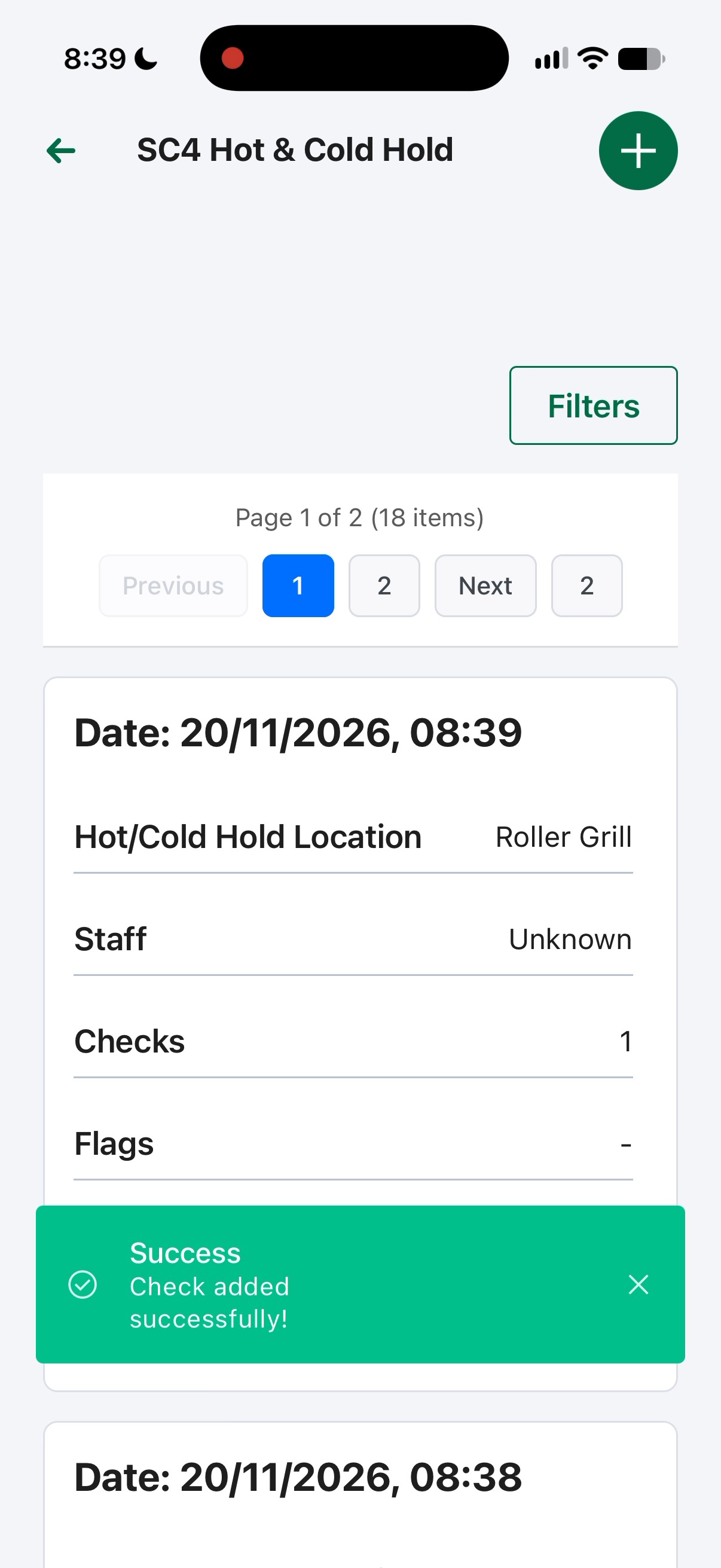
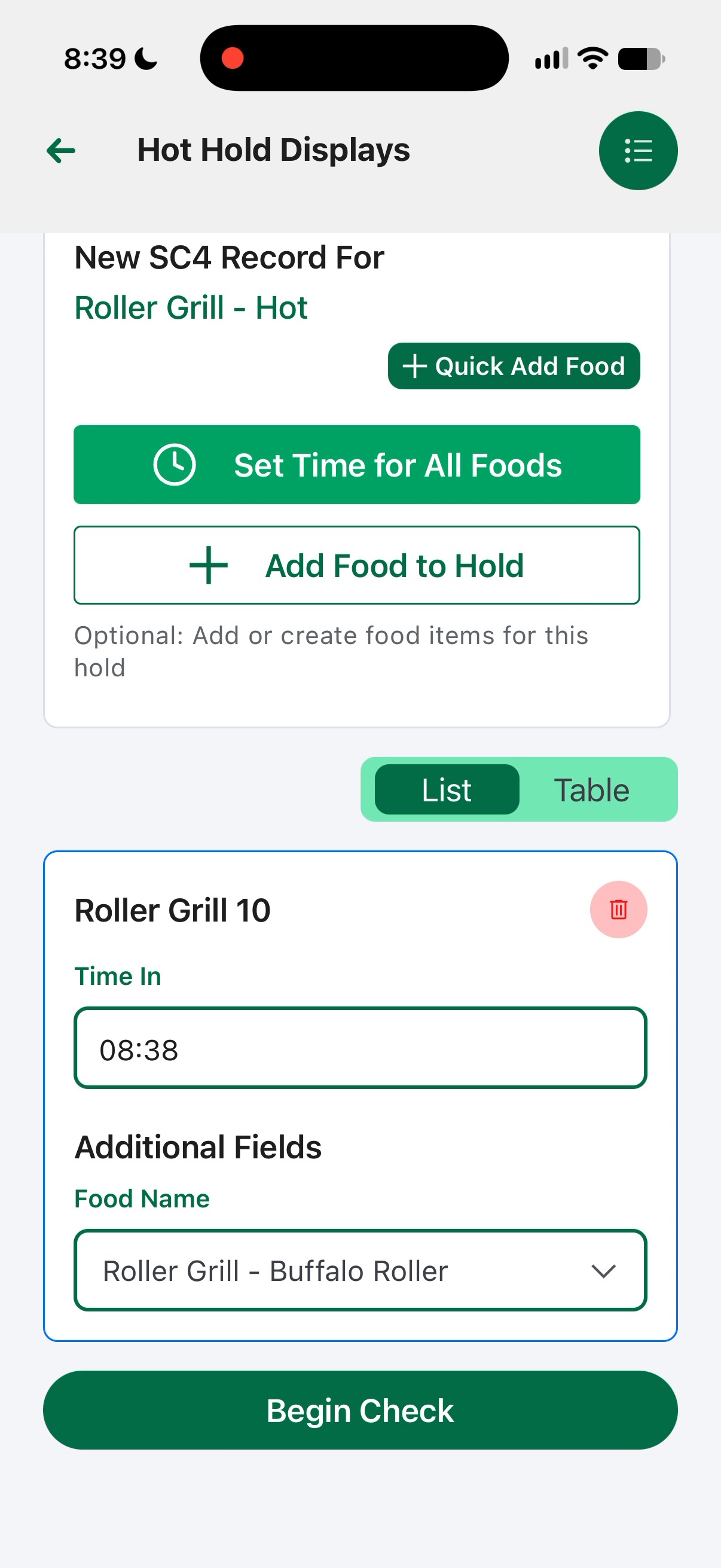
3. Select the the next Hot Hold Check. Selecting this pending task loads the template for the the next machine.